General hint
Lay out the full answer. For a first sentence you can say right away, use Concise.
 VWeiwo
Think it through. Say it clearly.
Get a hint you can say out loud.
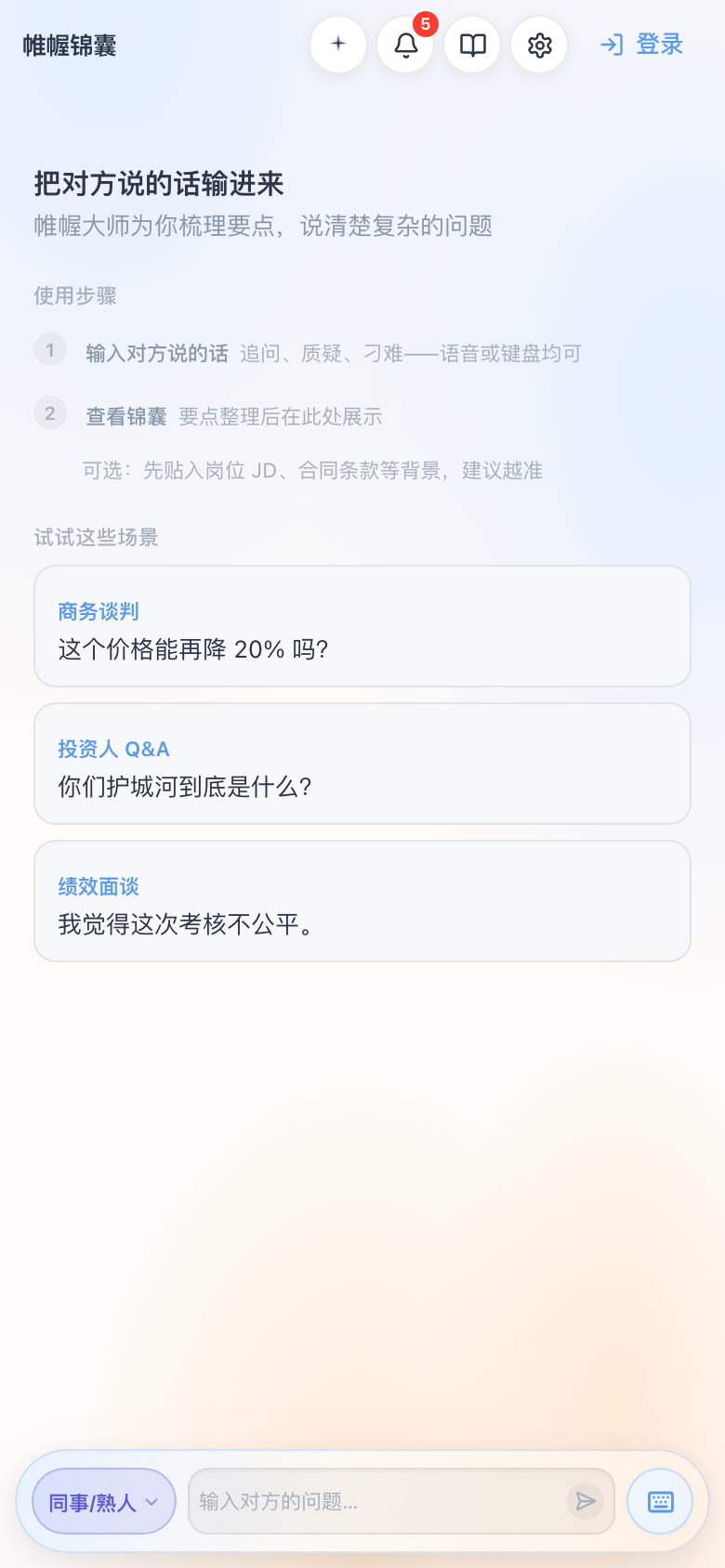
Built around “their question → your points → say it out loud.” What you get:
It helps you organize what to say in a real conversation. It does not speak for you.
Lay out the full answer. For a first sentence you can say right away, use Concise.
One or two sentences to open with, then the points that back them up.
Turn jargon in their question into a line you can actually follow. If nothing needs unpacking, it stays quiet.
Shape a real experience into a point you can say. Use only what is true.
Use your background so the answer sounds like you, with the experiences that support it.
Questions you can ask back, so you do not finish the topic too early.
Meet their feeling or stance first, then what to say next. For personal and high-pressure talks.
Say no, hold a boundary, or give ground without wrecking the relationship.
Speech-to-text and voiceprint stay on the device by default. The microphone is only used inside the app.
Membership unlocks all eight hints and a higher cloud quota. Prices are what the app shows.
VWeiwo is preparing listings on major app stores in China. This page will add download links when the App Store and Android stores go live.
iPhone, and iPad with the phone layout (including Split View). The App Store link will appear here after listing.
Phones and tablets (phone layout). Store links will appear here after listing.
For a beta invite or a note when we list, email vweiwo@163.com. See other ways to reach us.
Please read these before you use the app.
How we collect, use, store, and protect personal information, and how you can exercise your rights.
Scope, accounts, paid membership, acceptable use, and limits of liability.
Product questions and complaints.